

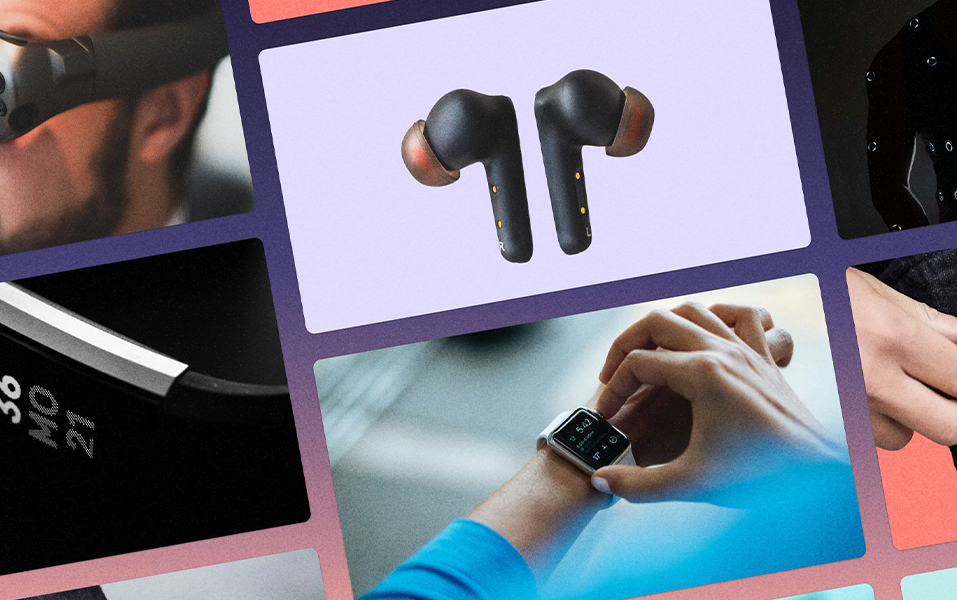
The last time you checked your smartwatch for heart rate, replied to a message through your AR glasses, or tracked your steps with a fitness band — you weren’t just using a gadget. You were experiencing design. Smart, silent, and invisible design.
That’s the beauty of wearable tech. It works so smoothly, most people never stop to think about what makes it feel so natural. But behind that seamless experience? A UX/UI designer.
Yes, the real magic of wearable devices lies in how they look, feel, and respond — and that’s where UX/UI design steps in. It’s no longer just about engineers and code. Today, every wearable brand needs a UX/UI designer to make their products not only work — but work beautifully.
For students diving into Communication Design (like the one offered at JD Institute of Fashion Technology), this field opens up fresh, exciting opportunities. It’s where creativity meets tech. And it’s changing fast.
Famous Example: WHOOP
WHOOP is a fitness wearable that tracks recovery, sleep, and strain — but without a screen. The magic? All the data shows up in the app, through a UX/UI system that translates complex biometrics into easy-to-read dashboards.
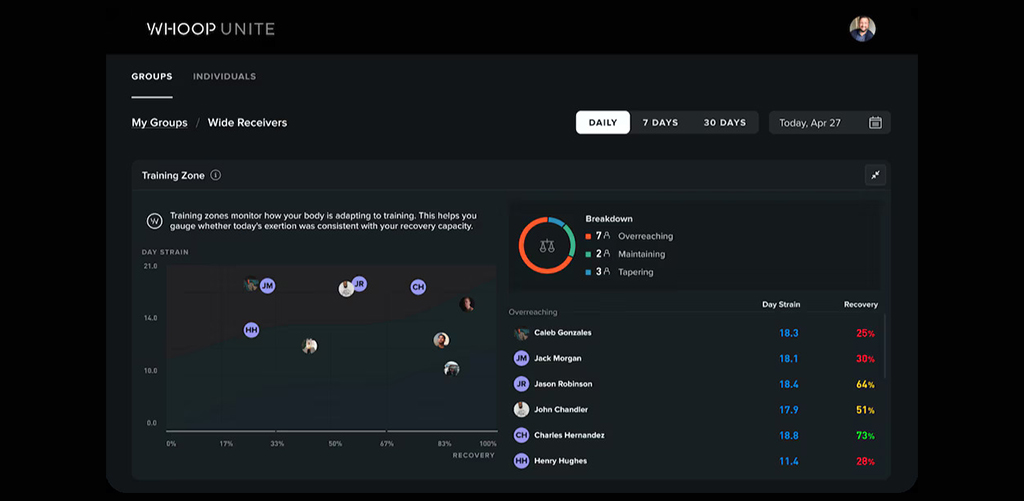
UX/UI designers are not just styling things. They’re solving problems, predicting behavior, and helping people understand their own bodies better. Whether it’s designing for night mode, motion detection, or accessibility — wearable UI needs to think ahead.
That’s exactly the kind of creative thinking and visual problem-solving taught in Communication Design courses, like the one at JD Institute, where students explore how design can improve both function and form in emerging tech.
Famous Example: Snap Spectacles
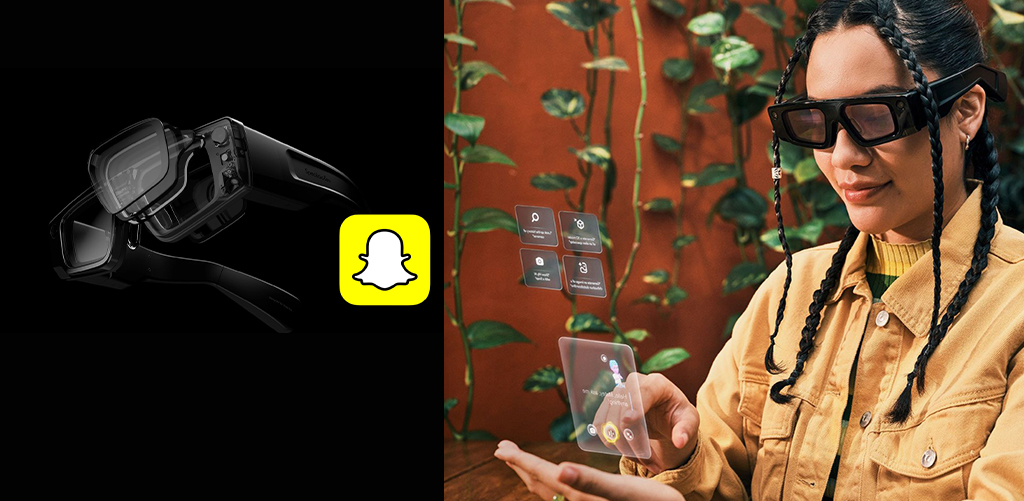
Snapchat didn’t just launch a cool-looking pair of glasses. They launched an experience. Snap Spectacles integrate camera tech into eyewear, and the app interface brings it all together. What made it fun and accessible? UX/UI design that feels familiar yet futuristic.
Wearable UX/UI is one of the rare design fields where you’re working at the crossroads of:
That’s why Communication Design students should care. You’re not just learning color theory or typography — you’re understanding how visuals impact everyday life. From fitness to healthcare, from fashion tech to safety wearables — your work could be on someone’s wrist, face, or even inside their jacket.
Let’s not forget the OGs of wearable fitness: Fitbit. Their early success wasn’t just in tracking steps — it was in designing interfaces that made users feel good about tracking steps.
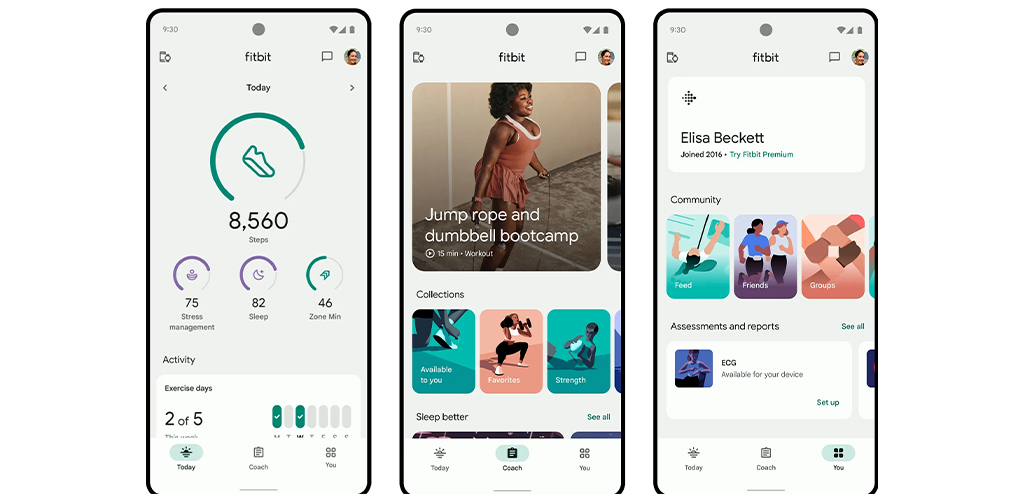
The emotional win? Those little badges, milestones, and colourful dashboards. The UX was gamified, rewarding, and simple. They made wellness addictive — all through clever interface decisions.
Fitbit’s design teaches one thing clearly: no matter how great your tech is, if your user can’t interact with it seamlessly, it fails. And that’s where courses like Communication Design at JD Institute teach you how to think like a user, prototype like a problem-solver, and create like a brand-builder.
Famous Example: Apple Watch
The Apple Watch didn’t become popular because of its processor speed. It clicked because the interface was clean, intuitive, and emotionally engaging. From haptic taps to activity rings — every interaction was carefully designed.
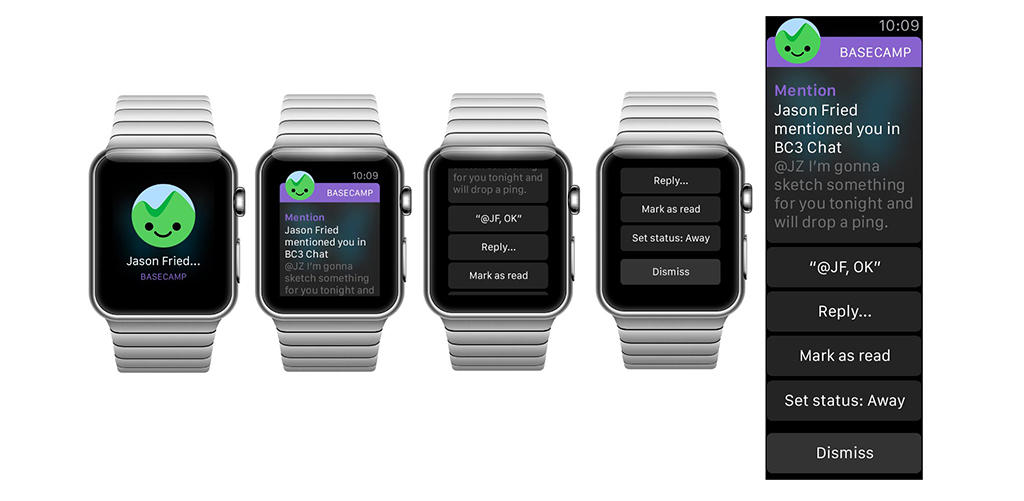
Wearables are small. Their screens are tiny. Buttons are minimal or invisible. That means the user experience (UX) and user interface (UI) must be extra smart, super simple, and visually clear. Even a one-second delay or a confusing screen can make users drop the product.
That’s why wearable brands, big and small, are hiring UX/UI designers right from the product concept stage.
If you’re thinking about stepping into the world of wearable tech, here’s what helps:
Communication Design at JD Institute helps you build these exact skills, blending design thinking with hands-on practice. It’s not just about designing pretty things — it’s about designing things that work beautifully in real-world situations.
 Design Blogs
 Watch on youtube


 Downloads

Copyright © 2025 JD Institute of Fashion. All Right Reserved
Designed by




 Quick Menu