

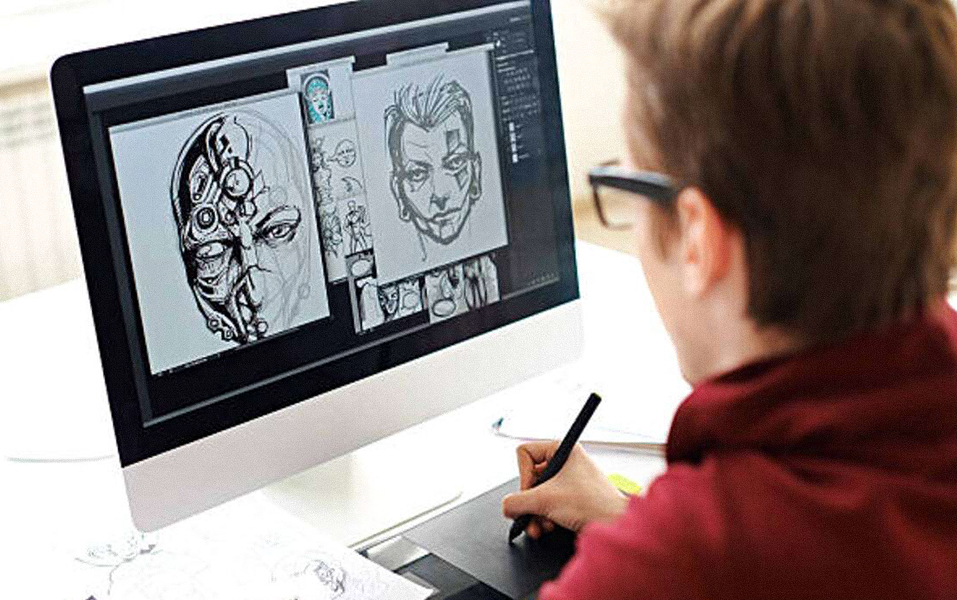
“Mickey Mouse doesn’t sell your product, but he sure inspired the idea.”
Though strange to hear, a quirky mouse in red shorts taught us more than just fun. He taught us that stories, no matter how simple, can be told through moving lines and clever expressions. But today, businesses need explainer videos to explain ideas, launch products, or pitch to investors, not cartoons.
That brings us to the question many students of communication design ask, what’s really the difference between cartoon animations and explainer videos? And more importantly, what can you learn from both as a designer-in-the-making?
Let’s unpack this, in full color, motion, and style.
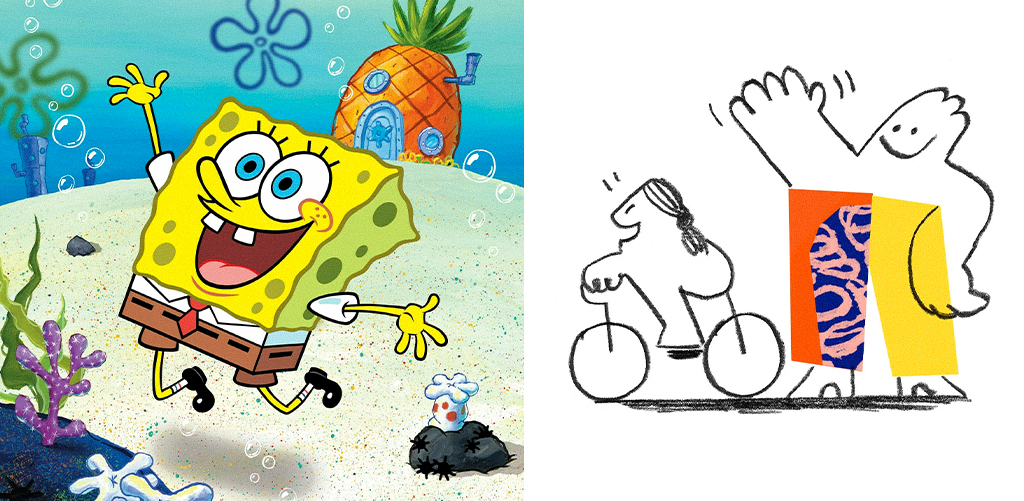
Key takeaway for students: It’s not just about drawing pretty things. It’s about knowing your purpose. Cartoon animations tell stories, while explainer videos solve problems.
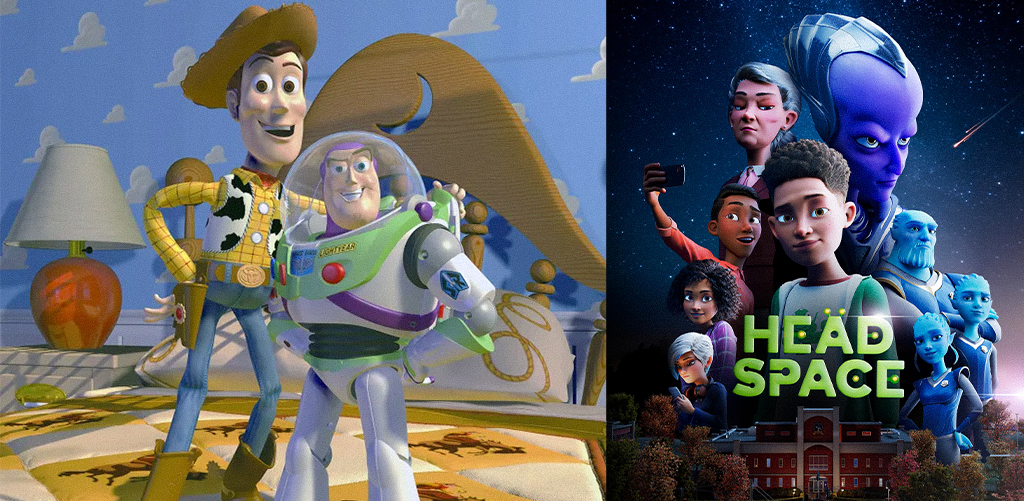
Design insight: Animation style must fit function. JD Institute’s Communication Design course helps students explore all three formats, teaching which style works where, a vital skill in today’s competitive design jobs.
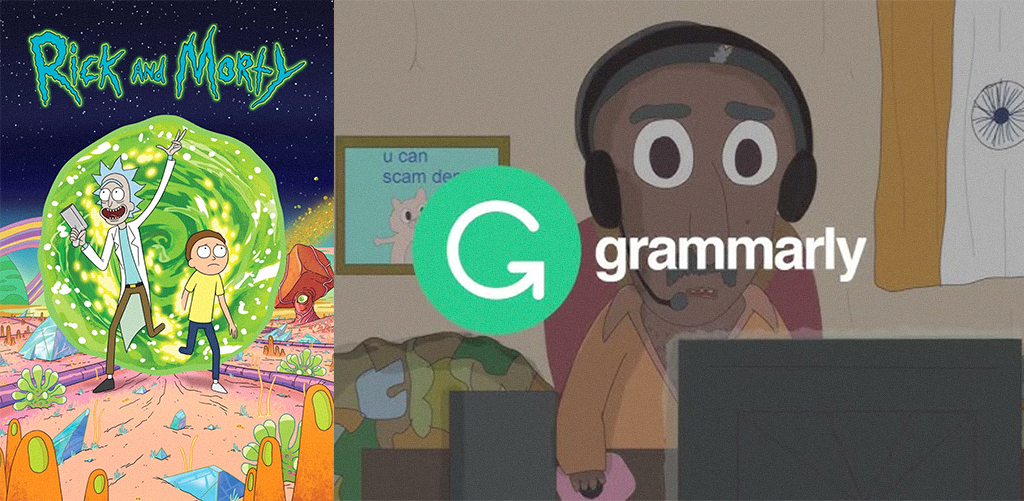
Take Grammarly’s motion-graphic explainers, they show how to use a tool without boring you to death. That’s smart design with business intent.
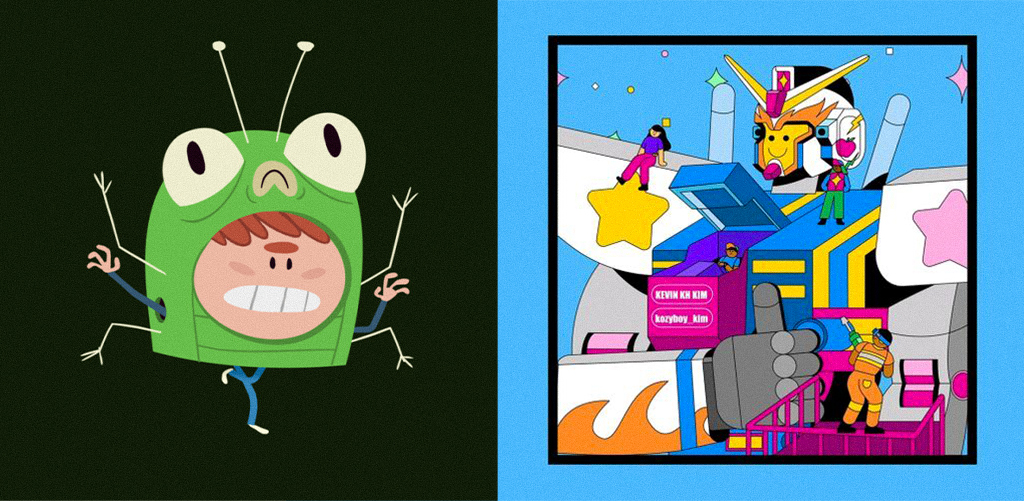
Startups like HubSpot and Trello thrive on animated content that’s on-brand, fast, and polish, and designers who can deliver that are always in demand.
Pro tip: Don’t just learn one software. Be versatile. Animation is about adaptability, and communication design students need to understand how to marry visuals with voice, logic with style.
For instance, Notion’s explainer videos are minimal and sleek, nothing distracts from the message. That’s by design.
Key Insight: Constraints are part of creativity. Communication Design at JD Institute equips students to work both within and beyond these limits, preparing them for everything from ad agencies to indie studios.
Whether you’re dreaming of Pixar or pitching for a SaaS startup, one truth remains, the future belongs to the creators who know why something moves on screen, not just how. Want to design for cartoons and campaigns? Make your next smart move. Start with JD Institute, and bring stories to life, from doodles to deliverables.
 Design Blogs
 Watch on youtube


 Downloads

Copyright © 2025 JD Institute of Fashion. All Right Reserved
Designed by




 Quick Menu